· build · 1 min read
Where are Satisfactory save files on Windows?
Satisfactory keeps saves in %LOCALAPPDATA%\FactoryGame\Saved\SaveGames on Windows, for Steam and Epic. How to find the newest one.
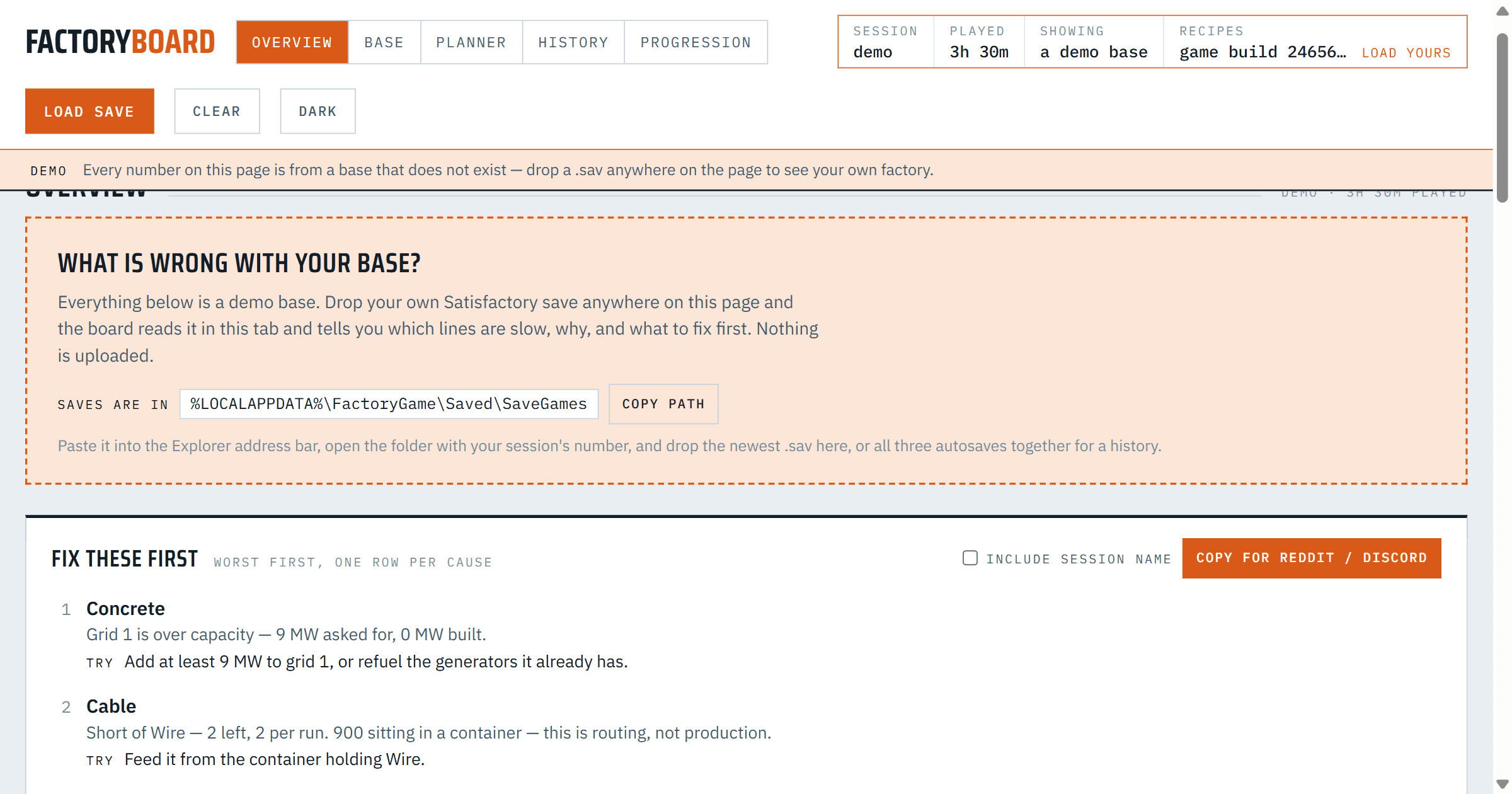
Satisfactory keeps its saves in the same place on Windows whether you bought it on Steam or on Epic. Paste this into the address bar of File Explorer:
%LOCALAPPDATA%\FactoryGame\Saved\SaveGames
%LOCALAPPDATA% is a shortcut Windows fills in for you. On most machines it opens C:\Users\<your name>\AppData\Local, a folder Explorer hides by default, which is why the saves are hard to find by clicking.
The folder inside
In SaveGames you will find a folder with a long ID for a name: your game account. On Steam it is your Steam ID, a number that starts with 7656. Your saves are in there, as .sav files.
Which file is the newest
Each world keeps three rotating autosave slots, plus any save you made by hand. The autosaves carry your session's name with _autosave_0, _autosave_1 and _autosave_2 at the end. The numbers are slots, not an order, so the highest number is not always the newest.
To find the newest, switch Explorer to the Details view and sort by Date modified. The top .sav is the latest state of your factory.
What to do with it
Drop the newest .sav on Factory Board. It reads every machine, belt and power grid and tells you which lines are slow, why, and what to fix first. The file is read in your browser tab and never uploaded, and there is nothing to sign up for.
Drop all three autosaves at once and the History view fills in too: what changed between them, and how machines, power and uptime moved over the session.
The page shows the same path with a Copy path button, if you would rather not type it.
If the board says something wrong about your factory, write to us from the support page, https://ludven.com/apps/factory-board/support/, with the line it got wrong.
- Satisfactory